Personal Bio site with jQuery
Codepen Instructions
Open up your Personal Bio Site CodePen
Instructions
- Part 1: Use jQuery to submit the contact form. When the contact me form button is clicked, the following should happen:
- All text field values should be logged to console. (Hint: you might need to add IDs to your form fields & the submit button).
- Display a messsage using the user's name from the form on the DOM that says,
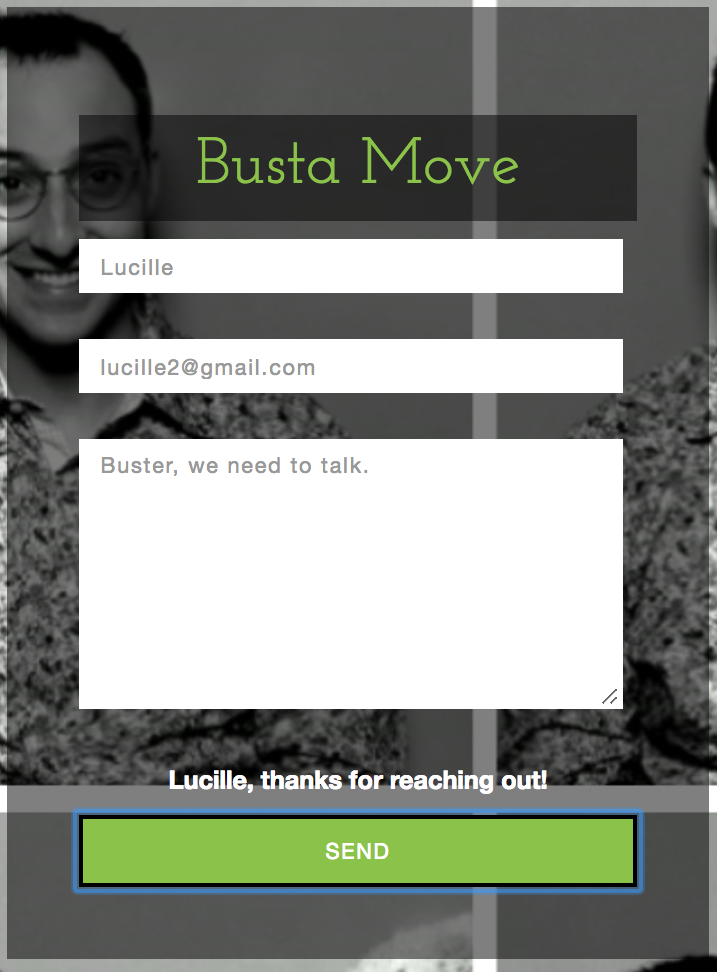
___, thanks for reaching out!"(Hint: You might need to add an empty HTML tag with an ID for the location you want this message displayed.) - Part 2: Add a button at the very bottom of your site that when clicked, does the following:
- Create a variable that stores an array of strings with the places you have worked.
- Create a second variable that stores an array of strings with the titles you have held.
- Loop through the arrays and write the following to the console for each pair of job/title:
I have worked as a __ at __.
Result
Part 1:
Console Output:
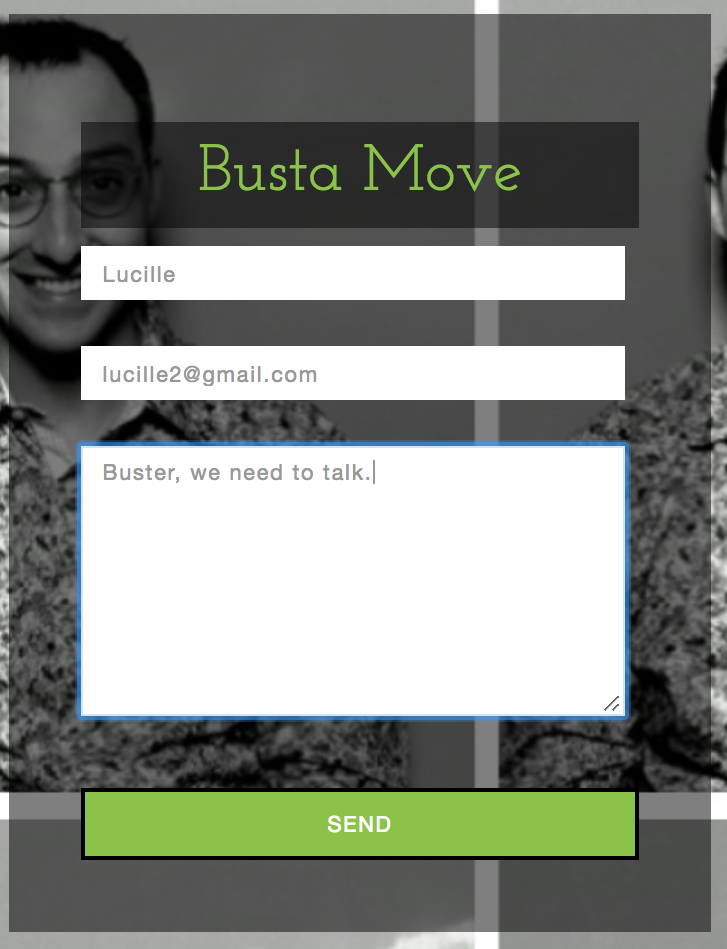
Form Name: LucilleForm Email: lucille2@gmail.comForm Comments: Buster, we need to talk.Page Output:
Part 2:

Console Output:
I have worked as a Graduate Student at Milford School.I have worked as a Soldier at Army.I have worked as a Construction Worker at Bluth Company.